Documents and PDFs
Print PDFs, TXT files, and common documents with preview-based output, page range selection, and multi-page support.
WiFi printing for PDF and photos
Print and scan documents, PDFs, photos, notes, contacts, email attachments, and web pages. Connect via WiFi with no computer or drivers needed.
Features
Print PDFs, TXT files, and common documents with preview-based output, page range selection, and multi-page support.
Import photos or scan paper documents with the camera to create printable images and PDFs.
Find compatible printers on the local network and connect with guided WPS support where available.
Print notes, selected contacts, email attachments, and web pages through supported sharing and WebView flows.
Adjust copies, page range, orientation, print quality, and black-and-white or color output where supported.
Review previous print jobs, locate old records, and reprint without repeating the same setup.
Preview
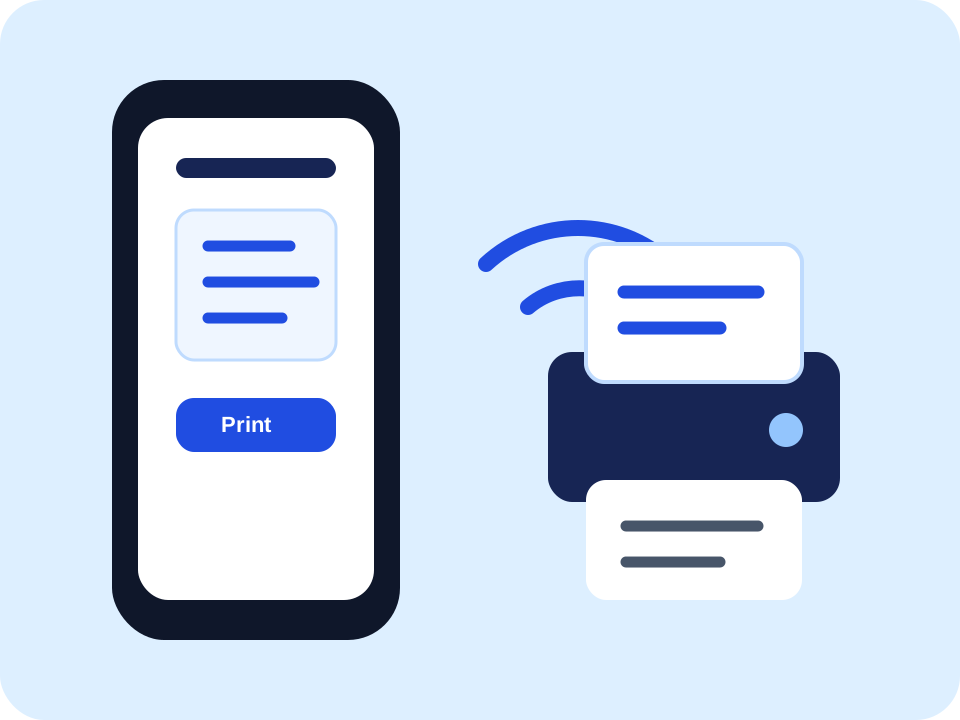
Select content, connect to a printer, confirm settings, and print. The workflow stays visible without driver setup.
Use cases
Workflow
01
Choose a PDF, document, photo, scan, note, contact, email attachment, or web page.
02
Discover printers on WiFi or use supported platform printing flows.
03
Set copies, page range, orientation, quality, and color mode.
04
Send the job and keep a local history record for faster reprints.
Plans, prices, trials, and renewal terms are displayed before purchase and confirmed by the App Store or Google Play.
The app is designed for mobile printing workflows and does not require installing computer printer drivers.
The current product analysis indicates selected files, photos, scans, contacts, and print content are mainly processed locally, except for support feedback, analytics events, app store purchases, user-selected web pages, and system or local printer flows.
Yes. Subscriptions are managed through your Apple Account or Google Play account according to the platform rules.